Looking for the best WooCommerce page builders for your eCommerce website?
With over 4.7 million active WooCommerce stores and counting, the demand for customizable eCommerce websites is higher than ever. Selecting the right WooCommerce builder is an important decision that can significantly enhance the functionality and appeal of your online store.
This guide aims to help you with all the necessary information to choose the right WooCommerce builder, whether you are launching your first online store or looking to upgrade an existing one. We will help you find the perfect tool for building custom pages according to your business needs. We will cover the following aspects:
- What is a WooCommerce Builder?
- What custom WooCommerce pages can you build using a builder?
- Which are the top WooCommerce page builders to consider for creating custom pages?
- What features do these builders offer to improve the design and usability of your website?
- What are the pricing options for each WooCommerce builder?
- How user-friendly are these builders for beginners compared to advanced users?
- Performance of each WooCommerce Builder
What is a WooCommerce Builder?
A WooCommerce Builder is a tool designed to help users create and customize online stores within the WordPress environment. These builders provide a visual, drag-and-drop interface that makes it easier to design and customize pages without needing to write any code. They typically integrate seamlessly with WooCommerce and offer specialized elements and widgets that are particularly useful for online stores, such as product grids, shopping carts, checkout forms, and more.
What Custom WooCommerce Pages Can You Build Using a Builder?
Using a WooCommerce builder, you can create a wide variety of custom pages to enhance the appearance of your online store. Some of the key custom pages that you can design include:
- Product Pages
You can customize each product page to show more than just basic layouts. Add videos, display extra product information and detailed size guides to help customers. These details help shoppers make informed choices right on the product page. - Shop Page
The shop page acts as the central marketplace of your online store. Here, you can design a user-friendly interface equipped with advanced filters, search bars, and categorization that help customers find products effortlessly. To further enhance the browsing experience, you can optimize how products are displayed, using custom grids or list views that cater to the visual preferences of your audience. - Cart Page
Improving the cart page involves adding functional elements that can increase convenience and promote additional purchases. Options such as coupon codes, gift wrapping, and recommended products not only personalize the shopping experience but also encourage larger orders. These features help streamline the purchasing process and boost customer satisfaction. - Checkout Page
Simplify your checkout by customizing the information fields and adding security signs to reassure customers. This can make the checkout process smoother and reduce cart abandonment. - Thank You Page
Customize your thank you page with details like delivery times, contact information, and related products. This helps continue the relationship with the customer after they buy, encouraging them to return. - My Account Page
The “My Account” page is key for keeping customers coming back. It lets them handle their personal details, see past orders, and track new ones. Making this page easy to use and informative makes customers more comfortable and engaged with your store. This boosts their loyalty and keeps them coming back. - Category Pages
Category pages organize products into groups and can be customized with unique headers, descriptions, and displays. These pages show off the special features of each category, making it easier for customers to browse and find the products they’re interested in. This improves their shopping experience by simplifying navigation and highlighting relevant products.
Best WooCommerce Page Builders to Build Custom Pages
Here’s a look at some of the best WooCommerce Page Builders available, each with unique features and pricing.
1. Breakdance
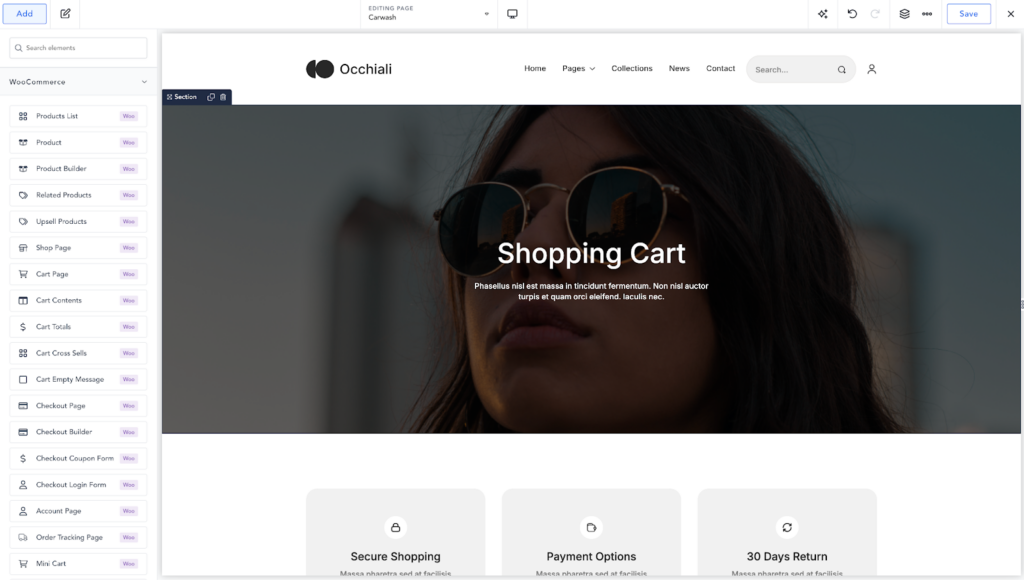
Breakdance emerges as a versatile tool for building WooCommerce stores, offering a streamlined process for creating websites with extensive customization options and a user-friendly interface. It’s designed to quickly align any online store with its brand identity through a comprehensive suite of WooCommerce elements.
With Breakdance, users can achieve a modern and professional look right out of the box with its beautiful default style. However, for those seeking deeper customization with their brand’s aesthetic, Breakdance provides powerful global styling controls
Performance
Breakdance is optimized for speed, ensuring that the added functionality does not compromise the loading times of the website. This is necessary for maintaining good SEO and providing a smooth user experience, which are both essential for eCommerce success.
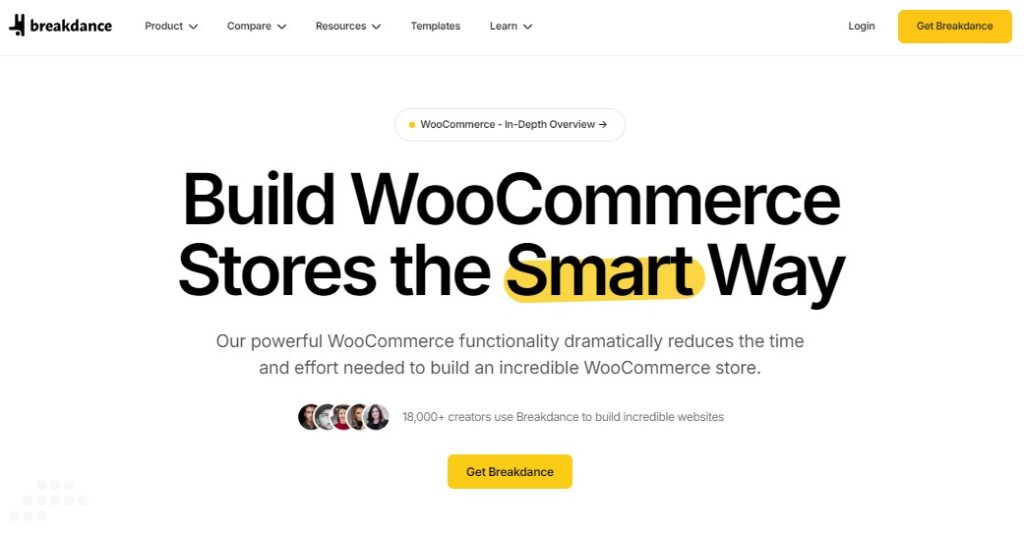
Breakdance Key Features
- Beautiful Default Style: Breakdance comes with a beautiful default style that are optimized for conversions, presenting a store that’s attractive and effective right from the start.
- One-Click Design Imports: The builder’s design library is fully compatible with WooCommerce, allowing users to import complete website designs with a single click. Once WooCommerce is installed, the chosen design adapts to fit seamlessly.
- Extensive Customizability: Breakdance offers over 35 customizable WooCommerce elements that automatically adapt to global settings, ensuring consistency across the website without manual adjustment for each element.
- Advanced Customization Capabilities: Users can create tailored layouts for product pages, customize the shopping cart and checkout processes, and even design unique product loops. This level of customization extends to creating specific designs that can be applied conditionally based on product categories, tags, or other criteria.
- Built-in Shop Filters and Conditional Logic: The platform includes built-in filters and advanced WooCommerce-specific conditional logic, making it easier for customers to find products and enhancing the shopping experience.
- Integration with Advanced Filtering Plugins: Compatibility with advanced filtering plugins like FacetWP and WP Grid Builder extends the functionality, allowing for even more detailed and dynamic product searches.
Pricing
Breakdance Builder offers a straightforward pricing structure with two main options. You can download the plugin for free which provides a basic set of tools and features. The Pro version costs $99/year for a single site license or $199/year for unlimited websites.
2. Oxygen
Oxygen is a popular plugin that comes with a WooCommerce builder that caters to a wide range of users, from non-programmers to seasoned developers. It is particularly praised for improving the functionality of WooCommerce sites, allowing both creative individuals and small businesses to produce aesthetically pleasing and functional websites with ease. Programmers will find Oxygen especially appealing due to its support for PHP, JavaScript, CSS, and HTML, making it a comprehensive tool for detailed and custom web development.
Performance
Oxygen doesn’t bog down your site despite the depth of customization it offers. It allows users to efficiently manage and apply global styles across different elements, from notifications and buttons to text and widgets, enhancing the store’s consistency and responsiveness.
Oxygen Key Features
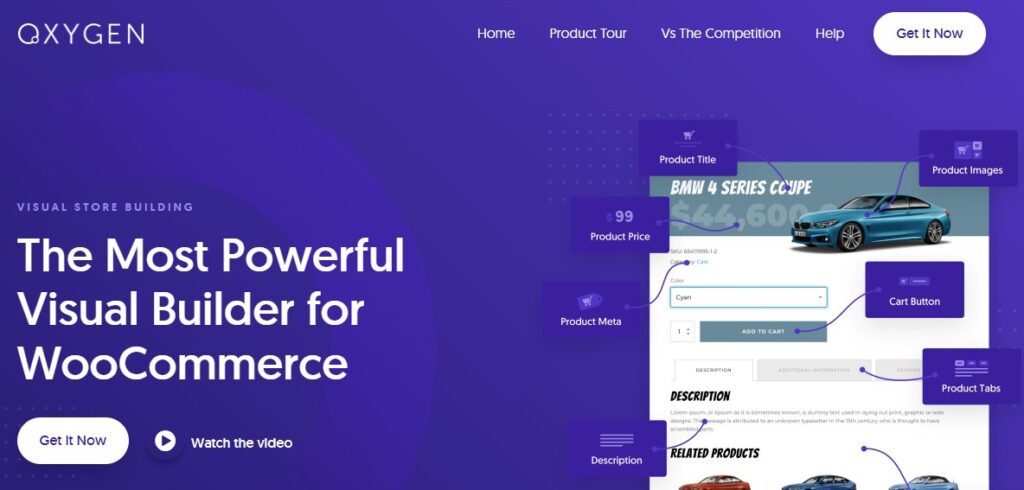
- Oxygen stands out with its over 20 highly configurable WooCommerce elements, pushing the boundaries of what you can customize on your eCommerce site.
- Quickly style your products list using the Products List element, controlling every aspect of product display.
- Use the Product Builder element to arrange aspects of a product page in any order, including price, title, images, and descriptions.
- Oxygen provides drag-and-drop control over every part of your store, making it easy to design and tweak without needing to delve into the code.
- Instantly apply global styles to various store components, ensuring your store maintains a consistent look and feel.
- Beyond the basics, Oxygen allows the integration of breadcrumbs, related products, upsells, and star ratings.
Pricing
Oxygen starts at $129 for the basic plan, $149 for the WooCommerce plan and $179 for the Ultimate plan. All of these options include a lifetime, unlimited site license as of the writing of this article.
3. Elementor
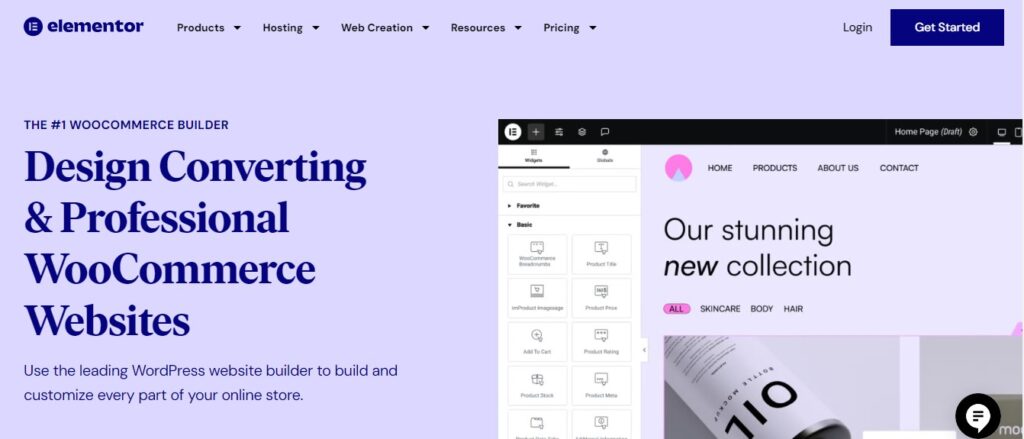
Elementor Pro offers both a theme builder and a dedicated WooCommerce builder. This powerful combination allows designers to create customized templates not just for WordPress pages but also specifically for WooCommercepages, facilitating a highly tailored eCommerce experience.
Performance
Elementor is known to have performance issues, especially for WooCommerce sites. The widgets are resource-intensive, leading to slower load times. Elementor is also known to rely on a lot of third-party add-ons to add various features to your website. This can bloat the page size which can result in a slower website for the end users.
Elementor Key Features
- Designers can create and modify WooCommerce pages such as the cart, checkout page, menu-cart, my account page, product archive pages, and single product pages.
- Elementor offers an extensive array of ready-made templates that simplify the process of launching an online store, whether it’s for a single-product showcase or a full-scale eCommerce operation.
- Ensures that all templates and layouts look great and function flawlessly across all devices, addressing the increasing demand for mobile-friendly websites.
Pricing
Elementor’s pricing is a little more convoluted because they offer hosting plans as well. For just the builder, it starts at $59 for 1 site. For 3 sites, you’ll pay $99. The 25-site plan is $199 and the 1000-site plan is $399. All of these prices are yearly.
4. Beaver Builder
Beaver Builder offers a straightforward approach to customizing online stores. It has a separate Themer add-on which adds theme and WooCommerce builder features to the core plugin. While its WooCommerce modules might not be as extensive as those found in some other builders, it provides essential tools like ‘Add to Cart’, categories, products carousel, and products grid that are sufficient for setting up functional and attractive eCommerce sites.
Performance
The builder is optimized for search engines with lean, responsive code that helps to reduce loading times, but not as effective as other WooCommerce builders like Breakdance.
Beaver Builder Key Features
- Unlike many other builders that operate primarily on the backend, Beaver Builder allows you to construct and edit your site directly on the frontend.
- The Beaver Themer add-on allows you to build custom templates for WooCommerce product archives, single products, and other WooCommerce-related pages without coding.
- Designers can save specific rows and modules to reuse them in future projects, enhancing efficiency and consistency across pages.
- Extends functionality and integration possibilities with other plugins and themes by supporting shortcodes and widgets.
- You can customize the main shop page layout to fit your branding and design preferences, including changing grid layouts, featured products, and more.
- Works well with a wide array of popular WooCommerce themes, giving users the flexibility to choose their preferred designs.
Pricing
Beaver Builder recently updated their pricing and now offers the plugin starting at $89 per year for a single site license. It also offers 50 and unlimited license plans for $299 and $546 per year respectively.
5. Divi Builder
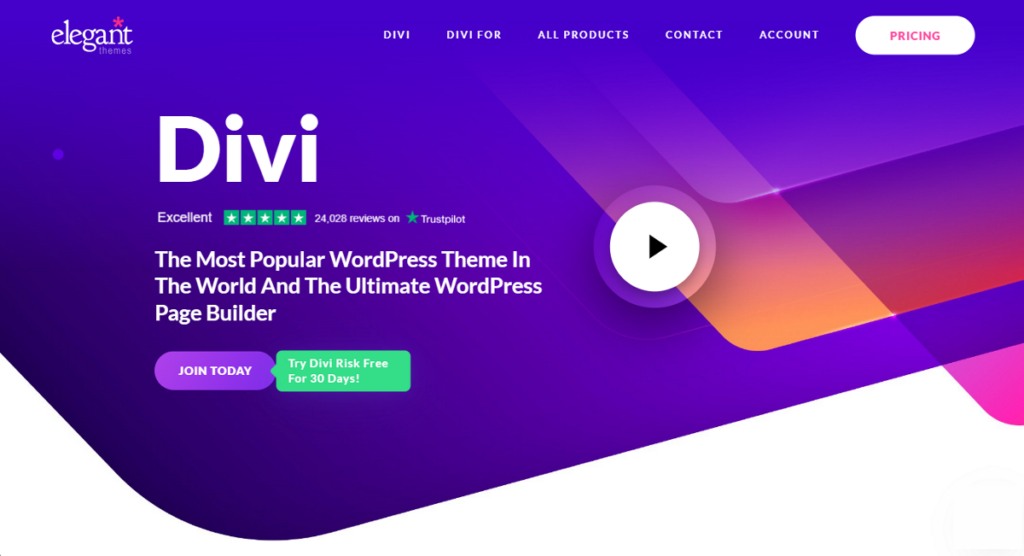
Divi Builder is a comprehensive WooCommerce builder that seamlessly integrates with Divi, one of the most popular WordPress themes. It provides an intuitive visual editor that allows users to create, edit, and customize their WooCommerce sites without needing to write a single line of code or install additional plugins.
Performance
Divi Builder’s expansive feature set can result in bloating, which might affect the speed and performance of your website if not properly managed.
The builder is optimized for use with the Divi theme, which can lead to compatibility issues when used with other WordPress themes. This could limit flexibility for users who prefer or are already using different themes.
Divi Builder Key Features
- Provides a highly immersive drag-and-drop interface and offers a variety of ready-to-use templates and layouts, catering to different requirements.
- Divi includes dedicated WooCommerce modules that allow you to easily add product images, product titles, prices, add to cart buttons, and other e-commerce elements to your pages.
- You can design unique product pages using Divi’s drag-and-drop interface, allowing for customization of layouts, styles, and content.
- Divi supports dynamic content, which means you can pull WooCommerce product data directly into your designs, making it easier to create templates that automatically update with new products.
- Divi offers A/B testing features that allow you to test different designs and layouts to see which performs better in terms of conversions.
Pricing
Divi Builder is $89 per year for the basic plan, and the Divi Pro plan is $277 per year.
Pro Tip: If you’re looking for a more general comparison of Divi with Elementor, this in-depth Elementor vs Divi guide gives you complete information on their differences.
6. WowStore
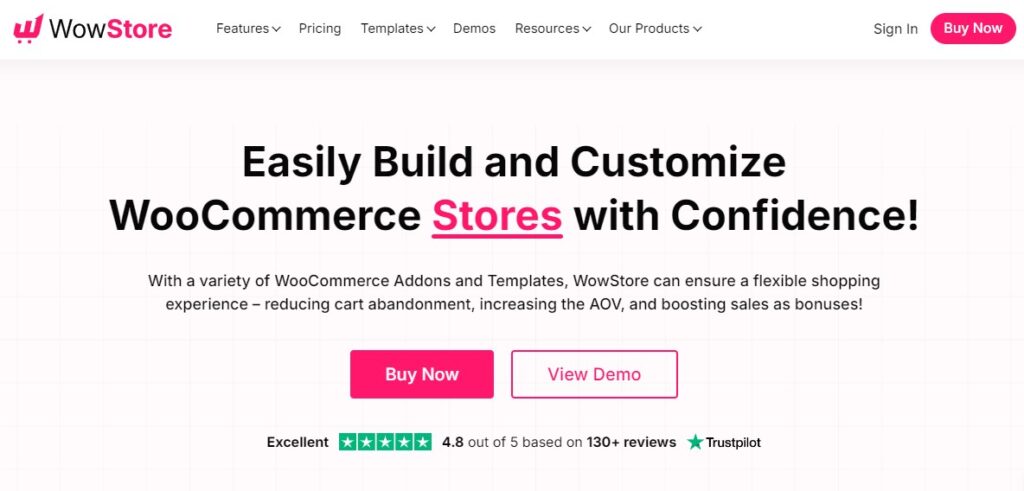
WowStore positions itself as an innovative WooCommerce builder for building online stores. It uses the latest Gutenberg technology to speed up the store building process. WowStore is known for its ability to adjust to your needs and improve every part of the shopping experience, helping to reduce abandoned carts and increase sales.
Performance
As it’s based on the Gutenberg Editor, it offers good speed and overall performance of WooCommerce stores. Faster website speeds lead to better customer experiences, lower the chances of visitors leaving the site (bounce rates), and help improve search engine rankings (SEO).
WowStore Key Features
- Offers a vast selection of ready-made templates tailored for various niches like clothing, fashion, jewelry, furniture, and food, making it easy to start and customize an online store with just a few clicks.
- Includes advanced product filters, variation swatches, wishlist, quick view, product comparison, and product videos to enrich the shopping experience.
- Features such as animated add to cart, sales push notifications, sticky add to cart, and customizable add to cart text are designed to boost conversions and increase average order value.
- Supports pre-orders, back orders, partial payments, and a currency switcher to accommodate a range of shopping preferences and increase sales flexibility.
- Implements a mini cart and smart cart page with a cart reserved timer to reduce cart abandonment and enhance customer retention.
Pricing
WowStore pricing includes both lifetime and yearly plans with identical features. The pricing for the single-site license starts at $44 per year and goes up to $144 per year for an unlimited license.
Which Builder To Use To Build Custom WooCommerce Pages
Today, you don’t need coding skills to build and launch an eCommerce store. Many WooCommerce page builders can help you get your store up and running.
Of all the WooCommerce builders we compared, Breakdance stands out as the best builder. It comes with powerful features that make it easy to design your online stores.
It offers over 35 customizable elements that automatically adjust to global settings, ensuring a uniform look without manual changes. Another major plus is its speed, which makes it a great Elementor alternative for those who prefer a high-performance WooCommerce page builder.
With these features, Breakdance is an ideal choice for those aiming to create distinctive and effective online stores.
If you’re someone who requires more control and has coding skills, Oxygen is the second-best builder on our list. It offers similar features and optimization performance to Breakdance, though it may require a bit more coding knowledge.
Frequently Asked Questions
No, WooCommerce doesn’t have its own native website builder. It works with various third-party themes and page builders, like Breakdance.
Yes, you can use Elementor and WooCommerce together. Elementor has a basic integration with WooCommerce, allowing you to design some aspects of your WooCommerce store with Elementor’s interface.
No, WooCommerce does not allow you to have multiple core shop pages. However, if you’re using a fully integrated visual builder like Breakdance, you can list WooCommerce products anywhere on your site, and even use custom layouts and designs.
By default, WooCommerce can look somewhat dated. Choosing a theme or page builder purpose-built for making WooCommerce look incredible is a great start. Some page builders, like Breakdance, were built with WooCommerce design tools from the very beginning, so they allow you to have precise control over every aspect of your store. This will enable you to achieve much more premium designs than what is possible using WooCommerce and a theme alone.
Typically, your shop page design is predetermined by WooCommerce and your theme. If you are using a page builder that allows more precise control over your WooCommerce design, you’ll be able to edit the shop page or an archive template applied to the shop page in order to fully customize it.